MCP Server
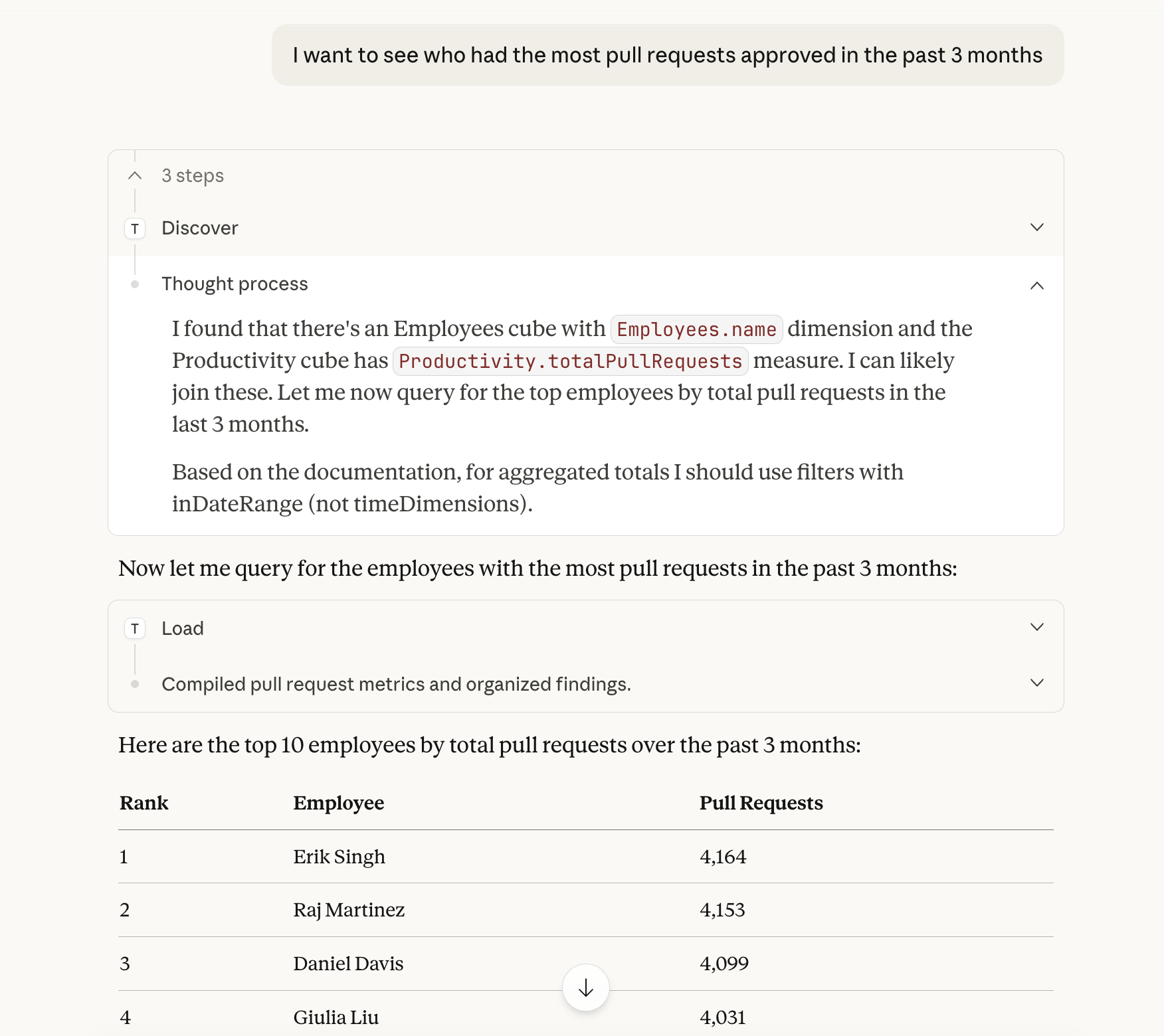
Expose your semantic layer to AI assistants. Your cubes become tools that any MCP-compatible client can query.
- Works with Claude Desktop, VS Code Copilot, and Cursor
- OAuth 2.1 authentication with per-user security context
- Cubes, measures, and dimensions exposed as queryable tools
Model Context Protocol
Drizby implements an MCP server that lets AI assistants like Claude, VS Code Copilot, and Cursor query your data through the semantic layer. Your cubes, measures, and dimensions become tools that any MCP-compatible AI client can use.
OAuth 2.1 Authentication
Secure per-user OAuth 2.1 authentication for MCP clients. Each user gets their own credentials and security context, so every query is scoped to their permissions and organisation. No shared API keys -- just standard OAuth flows.
Setup
Claude Desktop
Add to your claude_desktop_config.json:
{
  "mcpServers": {
    "drizby": {
      "type": "http",
      "url": "https://your-drizby.com/mcp"
    }
  }
}
VS Code / Cursor
Add to your MCP settings:
{
  "servers": {
    "drizby": {
      "type": "http",
      "url": "https://your-drizby.com/mcp"
    }
  }
}
Security Context
Every MCP query goes through the semantic layer with the authenticated user's security context. Row-level security is enforced automatically -- the AI assistant can only access data the user is permitted to see.
Easy Toggle
Enable or disable the MCP server from the settings UI with one click. When disabled, the MCP endpoint returns a clean error. No server restart required.